
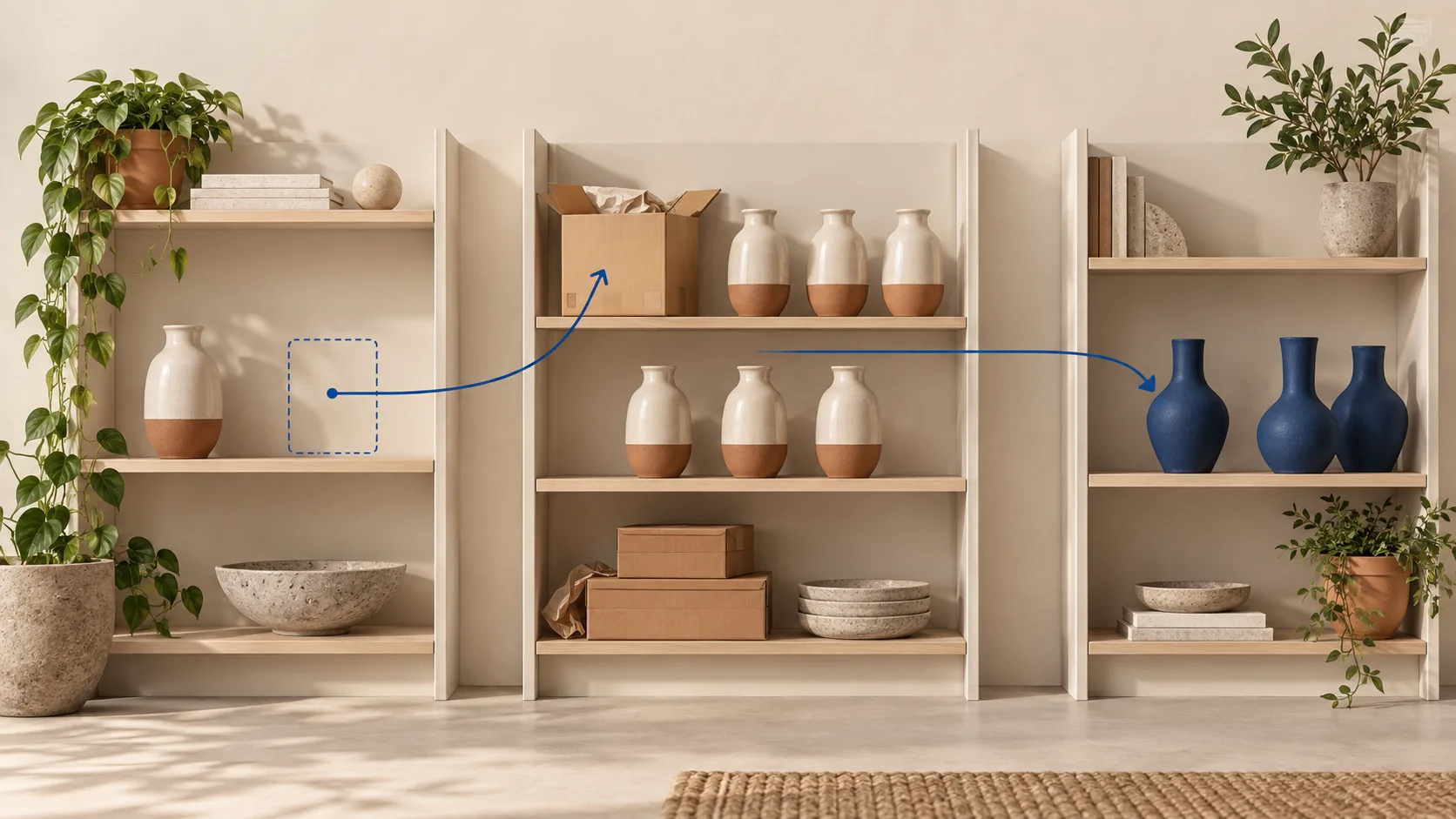
Should an out-of-stock Shopify product stay live?
Usually, yes, if it is expected to return and the page still helps customers. Keep its existing URL accessible, make the unavailable state clear, and stop purchases you cannot fulfil. A useful product page can still explain specifications, compatibility and alternatives while offering a restock notification. Do not delete, redirect or add noindex merely because inventory reaches zero.
If a product is permanently discontinued, make a separate decision: retain genuinely useful reference information, redirect to a real successor that meets the same need, or return a proper not-found response when there is no useful page or replacement. There is no universal rule that every retired product must point to the homepage.
This guide is for Shopify online stores managing organic product-page traffic. It is not a prescription for recalled, prohibited or legally restricted products, which need their own handling. It also does not promise that keeping a page live will preserve its ranking.
Choose the action from the product's future, not its stock count
| Situation | Recommended starting point | What to verify |
|---|---|---|
| Temporary stockout; restock expected | Keep the existing product page accessible. Show sold-out status and a useful next step. | Restock owner, purchase restrictions, availability and a route back from the site. |
| Only one size or colour is unavailable | Keep the product page. Disable or clearly label that variant, not every variant. | The selected variant and destination market match the availability shown. |
| Existing product sold on backorder | Keep the page and explain the expected fulfilment timing before purchase. | Orders are genuinely accepted; page, checkout and feed agree. |
| Seasonal product returning later | Retain useful product information and an honest seasonal message; review periodically. | Whether it really returns, whether the date is confirmed, and whether alternatives help. |
| Discontinued with a direct successor | Consider a permanent redirect after checking that the successor fulfils the old intent. | Compatibility, model changes, destination availability and the final response. |
| Discontinued; useful manuals or compatibility information remain | Consider retaining a clearly labelled reference page without an active purchase offer. | Visitors can still accomplish a real task; do not retain an empty shell just for indexing. |
| Gone permanently; no useful information or suitable successor | A genuine 404 is reasonable. Remove obsolete internal purchase links. | No blanket homepage redirect or misleading “available” page remains. |
The table is an editorial decision framework, not a list of Google ranking rules. Ask merchandising to confirm the lifecycle state before the SEO team changes a URL. “We have no stock today” and “we will never sell this again” are different facts.
Visibility, purchasing and indexing are separate controls
1. Can the shopper order it?
Shopify normally prevents purchase when tracked inventory runs out. The setting Continue selling when out of stock changes that behaviour. Use it only when your operation can support the promise being made; turning it on does not replenish stock. Shopify documents this setting and its location-related considerations.
2. Does it appear in a collection?
You may reduce sold-out clutter by changing collection membership or ordering while retaining the product's direct page. That is different from unpublishing it from the Online Store. Shopify documents an inventory-greater-than-zero condition for automated collections, with all conditions matching. Test your actual collection rules before applying a change; a collection filter is not a complete product-URL policy. Read Shopify's hiding options.
If you remove a temporarily unavailable product from every collection, keep a sensible discovery route where it helps customers, such as a relevant buying guide or replacement-information page. A sitemap is not a substitute for a useful shopping path. Do not create dozens of thin “sold-out” directories just to keep links.
3. What happens when the old URL is opened?
Test the actual response instead of inferring it from an admin label. A successful HTTP response, a noindex directive, a redirect and a not-found response have different consequences. Google says a 200 response permits processing but does not guarantee indexing; persistent 4xx URLs are removed from its index over time. Google's HTTP status guidance is the reference, not a promised percentage of “SEO value saved.”
A six-step audit before changing a product URL
- Record the exact product and variant. Start with one affected URL, the selected variant, target country and timestamp. Record the real inventory and the location intended to fulfil that market. Do not diagnose a Canadian visitor's experience from a US inventory total.
- Confirm the lifecycle decision with an owner. Is restock confirmed, uncertain, seasonal or impossible? Record the owner and next review date. When the date is unknown, say so publicly instead of inventing an arrival estimate. Save the current URL, product description and relevant screenshots before editing.
- Check the buyer's path. Open the product while logged out, select the unavailable variant and compare an available one. Read the availability message and test the cart path without placing an order. Inspect delivery restrictions. A functioning restock form should confirm the subscription and store the correct variant; a click alone is not a successful signup.
- Check the URL response and page content. In the browser's Network panel, reload and inspect the main document's status and redirect destination. View the source for robots directives and canonical. For a retained page, inspect its existing canonical strategy rather than blindly rewriting every variant's canonical. Confirm the page still contains useful product facts.
- Compare the selected offer across systems. In Google's Rich Results Test, inspect the product offer and availability. Separately inspect the corresponding item in Merchant Center if you use it. Compare the page, selected variant, checkout and product feed. A valid structured-data test does not prove the feed is current or the item approved.
- Repeat after the stock transition. On a test product or approved low-risk product, verify the unavailable and restored states. Check whether the collection, cart, notification and feed update as intended. Restore any controlled test inventory promptly. Keep a before/after record instead of applying an untested rule across the catalogue.
Multi-location stores deserve particular care: inventory in a location that cannot serve a customer's shipping zone can still leave that customer unable to buy. Check fulfilment eligibility before treating the symptom as an SEO problem. Shopify explains fulfillable inventory by shipping zone.
For a broader baseline, use the Shopify technical SEO checklist. For product information used in discovery systems, see the separate AI shopping product-data checklist; this article focuses on the product's availability lifecycle.
Availability is not just a sold-out badge
For Merchant Center, a returning product that accepts orders is a backorder, while preorder describes a product not yet released. Google requires an availability date for both. A product not accepting orders uses the out-of-stock state. The feed and landing/checkout experience must agree. Google's availability specification defines these distinctions.
Do not paste a second Product schema block into a theme merely to change one value. Identify whether the theme, an app or another integration owns the offer output, then fix that source. Conflicting blocks can leave two different claims about the same product. Google's merchant-listing guide explains validation and eligibility; rich results remain discretionary.
Three worked examples—and a reusable decision record
These are hypothetical examples, not client results or measured ranking improvements.
A sold-out size in an otherwise available product
A jacket's medium size is unavailable, but small and large can ship. Keep the product page and let the shopper identify available sizes. Test the medium-specific link, notification and offer data. Removing the entire product from search would also remove the available choices. The useful action is variant-level clarity, not a new URL.
A restock date that is still uncertain
A ceramic lamp is expected back, but the supplier has not confirmed delivery. Keep the specifications and show that it is temporarily unavailable; offer a restock alert or clearly identified alternatives. Do not accept orders using an unsupported shipping promise. Give the internal owner a review date so the message is not forgotten for months.
A successor that is not actually compatible
A retired accessory has a newer model, but it fits different equipment. A redirect may frustrate buyers who need compatibility information. Retaining a discontinued reference page with an explicit comparison can serve them better. Only redirect when the destination genuinely resolves the old visitor's need, not simply because the products look alike.
| Decision-record field | What to enter |
|---|---|
| URL / variant / market | The exact address, option and destination country tested. |
| Lifecycle and owner | Temporary, seasonal, backorder or discontinued; person confirming it. |
| Buyer task | Purchase, waitlist, compatibility check or finding a replacement. |
| Evidence before changing | HTTP response, visible message, cart behaviour, offer output and feed state. |
| Action and rollback | The smallest change; original settings and how to restore them. |
| Acceptance check | What should happen for this variant and market after the change. |
| Review date | When the product owner rechecks restock status and unresolved inconsistencies. |
Use one record per lifecycle decision, not one per keyword. Review affected product URLs in Search Console over comparable periods, and keep the restock date alongside the data. Inventory recovery, seasonality and promotion changes can all affect traffic or sales, so a later increase is not proof that one SEO edit caused it.
Questions Shopify merchants ask
Why are my Shopify products showing as out of stock?
Check the selected variant, tracked quantity, fulfilment location and shipping eligibility. Stock somewhere in the business does not necessarily mean stock available to that visitor. Confirm those conditions before changing publication settings or installing another app.
How do I stop selling products when they are out of stock on Shopify?
For tracked variants, leave Continue selling when out of stock disabled when you cannot fulfil additional orders. Check each affected variant and test the online-store cart behaviour. This purchasing decision does not require deleting the product page.
How can I hide sold-out products without hurting SEO?
Start by deciding whether you mean hiding a collection card or removing the direct page. Test collection merchandising separately from publication and robots settings. Keep a relevant route to useful retained pages; no hiding method can guarantee unchanged rankings.
Should I redirect every unavailable product to a category?
No. Temporary stockouts generally need an availability message, not a permanent URL move. For retired products, assess the closest useful destination. If nothing satisfies the old task, a helpful not-found experience is more honest than an unrelated redirect.
Common mistakes and limits
- Applying a product-wide action to one unavailable variant.
- Promising a restock date nobody has confirmed.
- Confusing collection removal with URL removal.
- Calling every returning product a preorder, regardless of whether it has already launched.
- Keeping an empty 200 page solely to avoid a 404 report.
- Treating a notification signup, an indexing request or a successful schema test as a sale.
Do not use Search Console's temporary removal tool as a routine stockout switch. Nor should a clean technical test be presented as a ranking guarantee. Shopify themes, apps, Markets and sales-channel integrations differ; validate the actual output after changes. This guide supplies a decision process, not a claim that every store uses identical behaviour.
Sources and scope
Official Shopify inventory, hiding and fulfilment documentation and Google's availability, merchant-listing and HTTP guidance were checked on September 12, 2026 and linked beside the relevant claims. The decision record and worked examples are ShopXN's editorial synthesis. We did not run an inventory experiment on a customer's store or measure a ranking uplift for this article.
Resolve availability without breaking the customer path.
If your theme, product feed and fulfilment rules disagree, a Shopify SEO audit can map the conflicting signals before you change URLs.
Discuss your Shopify setup