
Shopify Markets: subfolder, subdomain or country domain?
Shopify recommends subfolders for most stores. A country domain pays off only with lasting local investment. Use Shopify's own rules, four questions and a worked example to decide per market.
01The three options and what Shopify says about each
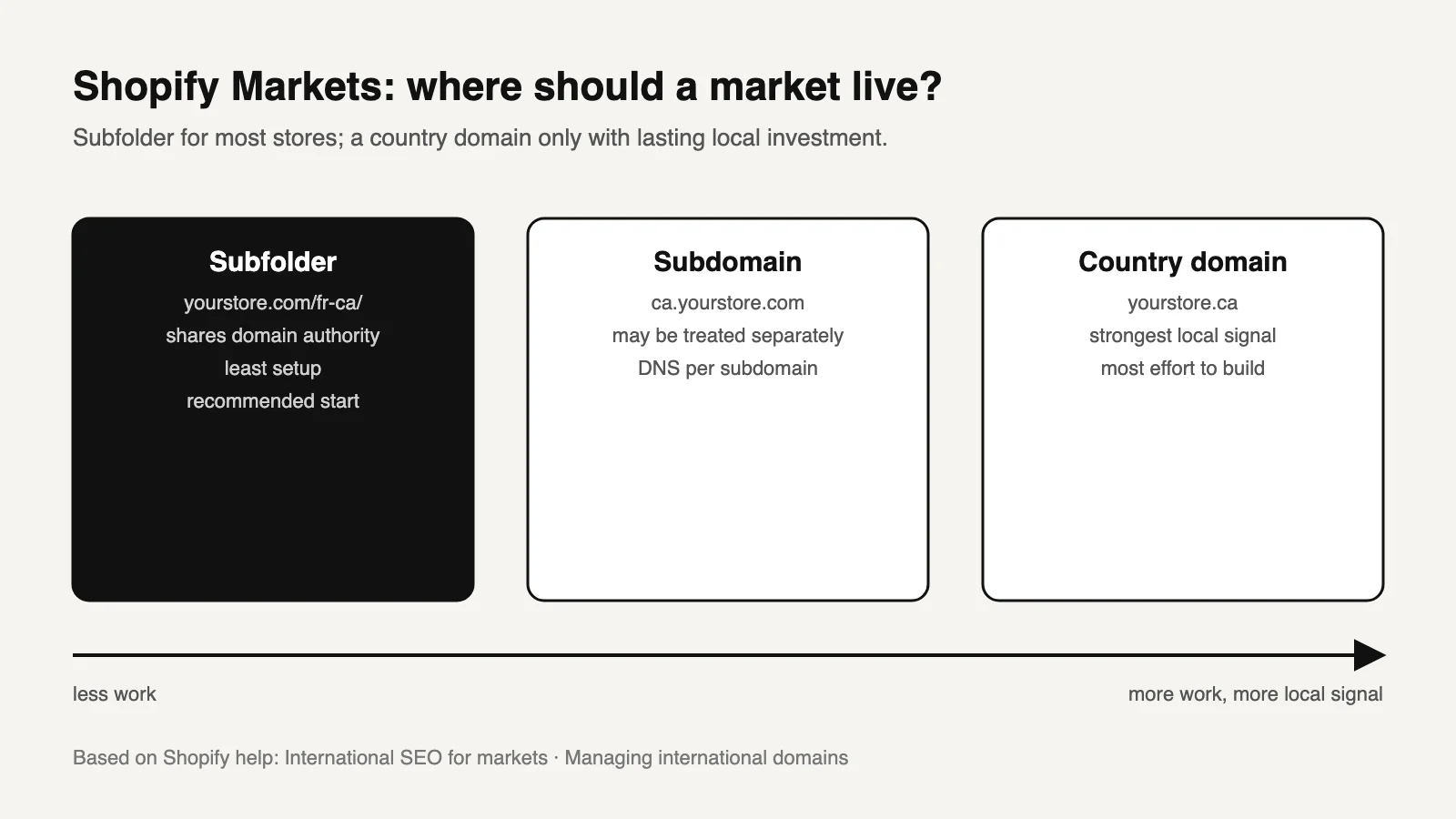
Shopify Markets lets each market use a subfolder, a subdomain or its own domain, and you can combine them [2]. Shopify recommends subfolders for most stores [1].
| Subfolder | Subdomain | Country domain | |
|---|---|---|---|
| Example | yourstore.com/fr-ca/ | ca.yourstore.com | yourstore.ca |
| Setup in Shopify | Choose the subfolder option and a suffix in the market's domain settings [2] | Add the DNS record, then assign it to the market | Register and connect the domain, then assign it to the market |
| Shopify's SEO note [1] | Shares domain authority with the primary domain | Some search engines treat it as a separate site | Strongest local signal for one country |
| Effort Shopify describes | Minimal setup | DNS configuration per subdomain | Takes the most time and effort to build SEO [2] |
| Ongoing work | Lowest | Medium | Highest: renewals, a separate Search Console property, local links |
What these notes establish is that subfolders reuse what the main domain has already earned. They do not establish that a subfolder will outrank a local competitor on a country domain. Local relevance still comes from local content, prices, shipping and links.
02Shopify rules that shape the choice
| Rule | Consequence |
|---|---|
Language-only folders such as /fr/ are limited to the primary market. Secondary markets combine language and country, such as /fr-ca/ or /en-eu/ [2] | Plan URLs per market, not per language. Copying an example like /fr/ into a secondary market will not work |
| Subfolder URLs are built on the primary domain [2] | Changing the primary domain later changes every subfolder URL |
| Several domains on the primary market should each have a different language [2] | Otherwise search engines may treat them as duplicates |
| Removing a market's domain or folder makes its URLs 404 [2] | Import redirects before removing a market |
| Shoppers are redirected by location, known search engine crawlers are not [1] | Every market version can be crawled. Don't add your own geo-redirect that catches bots |
| Hreflang is generated automatically once a market has a distinct folder, subdomain or domain, and is on by default [1] | Turn it off only if another implementation replaces it |
| International domains require the Basic plan or higher [2] | Confirm your plan before buying domains |
03Decide per market with four questions
Is the offer actually different?
If products, prices, shipping or legal terms differ, the market needs its own URLs. If only the currency changes, separate URLs may not be needed at all.
Is the language different?
A new language needs translated pages reviewed by native speakers. A folder does not make a machine translation acceptable.
Will you invest locally for years?
Local reviews, press, partners and support can justify a country domain. Without them, a new domain is a new site with no history and the same content.
Who maintains it?
Every extra domain is another property to verify, monitor and renew. Name the owner before buying.
Worked example: a US store adds Canada (English and French) and Germany.
- Canada shares the products, but has different prices, shipping and French-language requirements. Use
/en-ca/and/fr-ca/subfolders. - Germany needs German pages and different shipping. The team plans German PR and a local returns address for the next three years. A country domain,
yourstore.de, is defensible. If the PR plan is uncertain, start with/de-de/. Moving later is a migration, so make the decision once.
04Launch checks and the expected result
| Check | Expected result |
|---|---|
| View a product's source in the new market | hreflang lists every language and market version, including the page itself |
| Open the same product from another market | The reciprocal tag points back |
| Open the sitemap | The market's URLs appear, with hreflang annotations [1] |
| New domain or subdomain in Search Console | Verified, with its own sitemap submitted. Shopify notes each international domain has its own sitemap [3] |
| Request a market URL with a crawler user agent from another country | No redirect to a different market |
| Merchant Center country feeds | Unchanged, or deliberately migrated. See Markets and Merchant Center during a migration |
05Copy this market decision sheet and fill in the brackets
Market URL decision
Market: [country/region]   Languages: [codes]
Offer differs from primary market in: [products / prices / shipping / legal / none]
Native reviewer for each language: [name or "missing"]
Local investment planned for 3 years: [PR / reviews / support / none]
Chosen URL: [subfolder /xx-yy/ | subdomain xx.domain | domain domain.tld]
Why: [one sentence]
Plan check: Basic or higher for international domains [yes/no]
Owner (verification, renewals, monitoring): [name]
Content outside Shopify mirrored to the same structure: [yes/no/not applicable]
Launch checks completed on: [date]   Search Console property: [URL]
06Questions
Are subdomains bad for SEO?
No. Google has said it handles subdomains and subdirectories. Shopify's note is that some search engines treat subdomains as separate sites, which means building their reputation separately. That is a cost, not a penalty.
Can I switch from subfolders to country domains later?
Yes, but it is a migration. Every URL in that market changes and needs redirects, and the new domain needs its own Search Console property.
Does Shopify add hreflang automatically?
Yes, once a market has a distinct subfolder, subdomain or domain, and it is on by default [1].
Do I need a separate store for each country?
Not for SEO. Markets can serve several countries from one store. Separate stores are a business decision about inventory, legal entities or operations.
Sources and what still needs a direct check
- Shopify Help Center, International SEO for markets. URL options, automatic hreflang, crawler redirects, market sitemaps. Checked October 14, 2026.
- Shopify Help Center, Managing international domains. Assignment steps, subfolder codes, primary domain, removal and plan requirement. Checked October 14, 2026.
- Shopify Help Center, Finding and submitting your sitemap. Sitemaps per international domain.
Still to check yourself
- Current Markets settings and plan requirements in your admin. They change.
- Whether apps (translation, currency, geolocation pop-ups) add their own redirects or hreflang.
- Legal and tax requirements for selling in each country. URLs do not settle them.
Next: answer the four questions per market, then follow the Shopify international SEO guide to map URLs, verify hreflang and release one market at a time. If your content lives outside Shopify, the same market structure has to be reproduced there. Our architecture page explains how we keep both systems in step.