
Shopify out-of-stock products: keep the page, hide it, or redirect?
A stockout is an inventory event, not automatically a reason to remove a URL. Separate what shoppers can buy, where a product appears, and whether its page remains accessible.
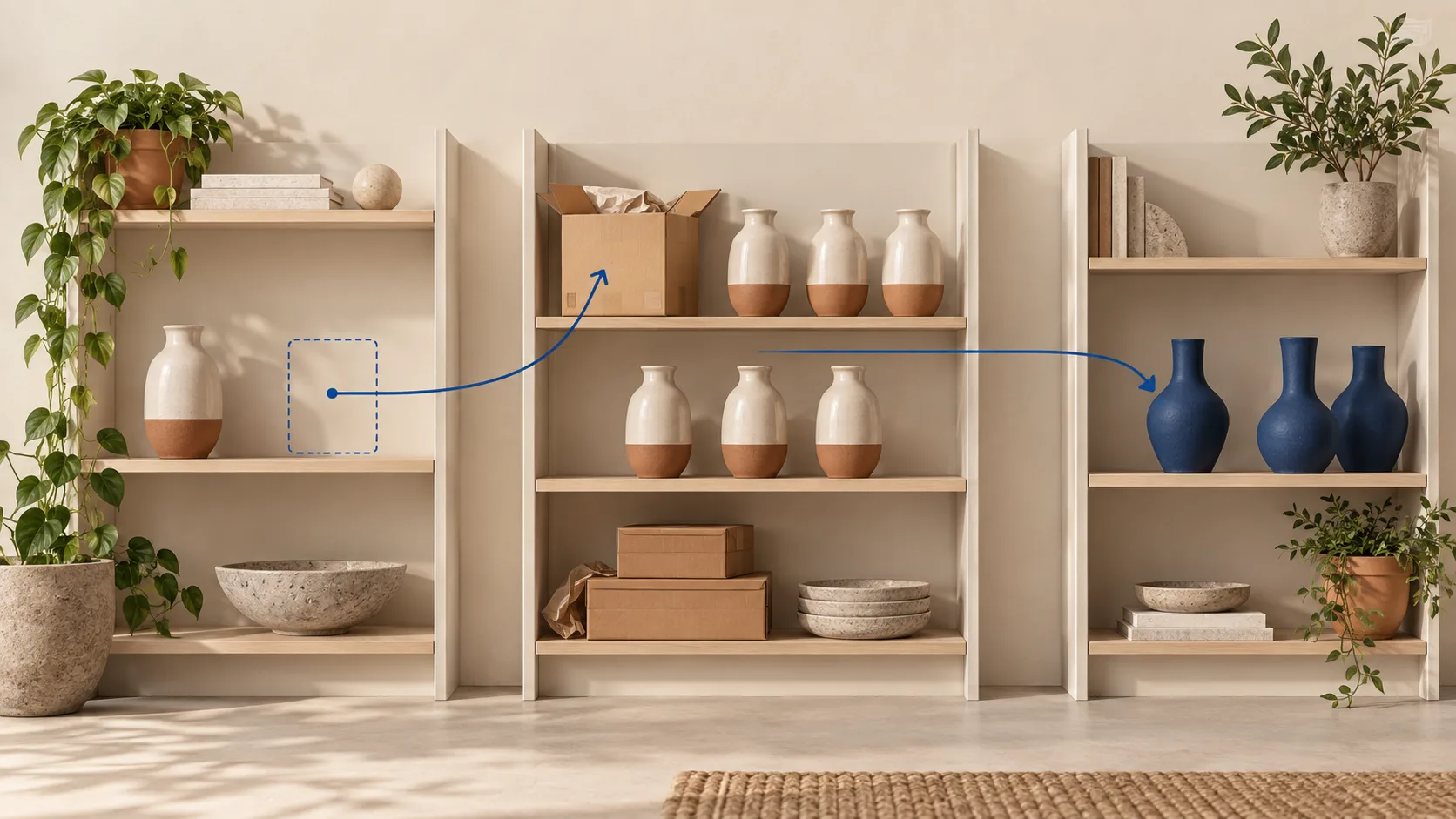
01Ask whether the product is returning
A zero stock count is not an instruction to delete a URL. If the product is expected back and its page helps a shopper decide, keep the existing page useful and describe the unavailable state honestly. If the product is retired, decide separately whether people still need its manuals, compatibility information or a genuine successor.
Get the lifecycle decision from the merchandising or fulfillment owner. Record “date not confirmed” when appropriate. Do not convert an uncertain supplier delivery into a promised restock date for SEO copy. Recalled or legally restricted products need their own business process and are outside this guide.
There is no guarantee that retaining a page preserves its rankings. The practical goal is that an old search result or customer bookmark still leads to an accurate, useful next step.
02Separate four controls before touching the URL
| Control | Question | What it does not establish |
|---|---|---|
| Ordering | Can this customer order this variant now? | Whether the page should exist in search. |
| Merchandising | Should its card appear in this collection? | Whether the direct URL is unpublished. |
| Public response | Does the exact URL return useful content, redirect, or return not found? | Whether Google has already updated its index. |
| Shopping offer | Does the submitted availability match the actual buying promise? | Whether retaining a reference page requires an active advertised offer. |
Write down which control you intend to change. “Hide sold-out products” is too ambiguous for a deployment request: it might mean move cards lower in a collection, stop accepting orders, or make the page inaccessible. Those are different customer experiences.
Availability filters on collections create their own URL variants. Shopify filter URLs and SEO covers how the defaults treat them.
03Temporary stockouts: keep the page, make the next step real
A retained product page should keep its identity, specifications and useful media, show which variant is unavailable, and offer a relevant action. A restock form must actually record the requested variant and confirm the subscription. A decorative email field or a promise of an alert without delivery infrastructure is not a useful substitute for stock.
If some sizes or colors are still available, test a direct link to the unavailable option and one to an available option. Do not remove the entire product because one variant is sold out. Shopify's collection-condition documentation[1] explains that a product can satisfy an inventory condition through an available variant; a collection card is not a variant-specific availability guarantee.
To reduce sold-out clutter, Shopify documents inventory-based collection conditions[2]. Check inventory tracking and how existing conditions combine before changing them. Validate the default catalog separately. Preserve a sensible route to any retained page that still answers a customer task; do not leave it accessible only through an old sitemap.
Test purchasing for the intended market. Shopify's fulfillable-inventory guidance[3] distinguishes stock from stock at locations that can serve the customer's shipping zone. Inventory in another warehouse does not necessarily make the item purchasable for this visitor. Do not enable overselling merely to remove a sold-out label.
04Backorder is a purchasing promise, not a nicer badge
Use Google's availability definitions[4] when maintaining Merchant Center offers. An unavailable existing product that still accepts orders is a backorder case; a not-yet-released product accepting orders is a preorder case. Both require an availability date. A product not accepting orders is out of stock.
Google's availability-date guidance[5] allows an estimated date within its stated limits and requires keeping it current. That does not justify inventing a date your operation cannot support. Keep the public promise, feed value and actual fulfillment policy aligned.
Have the responsible integration owner inspect the selected offer in page markup and the submitted item. Do not paste a second Product block over an incorrect first one. For a temporary stockout, update availability through its proper source rather than routinely deleting and re-adding the item to Merchant Center.
05Retired products: choose reference, successor or not found
Retain a reference when it answers a real question
Owners may need assembly instructions, dimensions, consumable compatibility or model history long after sales stop. Keep that material if it is accurate, label the product discontinued, remove misleading purchase promises, and clearly distinguish any available alternatives. An empty page with only “gone” and an unrelated sales button is not a reference library.
Redirect only when the destination fits the former task
Compare compatibility, function, size and market availability before choosing a successor. A newer accessory that fits different equipment is not automatically a replacement. Where necessary, a retained comparison explanation is more helpful than silently sending the visitor to the incompatible model.
Shopify implementation constraint: its native URL redirects[6] apply to broken source URLs, not a still-valid page. Adding a redirect row does not override an active product page. Coordinate the approved lifecycle change and redirect, preserve the original product information, and verify the actual response. Do not delete a product merely to test a redirect.
Record and test each affected market path, including submitted variant links. Do not assume a successful primary-market test covers translated handles, subfolders or query strings. Permanent redirects can be cached, so removing the row does not guarantee every previous visitor immediately stops seeing it.
Return not found when no useful resource remains
Google's crawl-error guidance[7] distinguishes a real 404/410 from a page that returns 200 while displaying an error. For a gone resource without a suitable replacement, an honest not-found response and helpful navigation are appropriate. Do not send every retired model to the homepage to suppress a report.
06Rehearse the transition without changing sellable inventory
Use a development store or dedicated non-sellable test product with an approved test plan. Do not set a real best seller's quantity to zero to see whether the theme works. Separate the content test from stock synchronization and fulfillment operations.
- Record the exact URL, variant, market, lifecycle owner and intended action.
- Save the current public response, collection rules, product content and relevant settings.
- For a stockout, verify unavailable messaging, available-variant behavior and any actual restock subscription workflow.
- For a retirement, verify the reference content or successor fit before changing publication.
- Inspect the HTTP response, final destination, visible product identity and selected offer.
- Check internal links and the connected shopping source after its next update. Record pending source state separately from the page release.
- Rehearse restoration: remove only the test change, confirm the original behavior and retain the evidence.
Hypothetical example: a lamp returns seasonally, but no date is confirmed. Keeping its dimensions and a functioning notification route serves a buyer considering room fit. A permanent redirect to a different lamp would lose that answer. A month later, the merchandising owner confirms the model is discontinued; the lifecycle decision is revisited with new facts, not triggered blindly by elapsed days.
07Copy this product lifecycle change request and fill in the brackets
Product lifecycle change request
URL: [product URL]   Variant(s): [IDs]   Markets: [list]
Lifecycle decision: temporary stockout / retired, by [owner] on [date]; restock date [confirmed date / not confirmed]
Control to change: ordering / merchandising (collection rule) / public response / Merchant Center offer
If temporary: unavailable message [text], restock alert works end to end [tested yes/no], available variants still buyable [yes/no]
If retired: keep as reference [yes/no] / redirect to [successor URL] because [fit reason] / return 404-410
Merchant Center availability: in_stock / out_of_stock / backorder + date [date] / preorder + date [date]
Tested on: [test store or non-sellable product], response checked [status + final URL]
Restore plan: [how to undo], owner [name]
08Review outcomes without inventing an SEO win
Check that a customer can complete the intended next action: purchase an available variant, register for a genuine alert, resolve compatibility, or reach an appropriate successor. Then observe indexing and search performance separately. Stock returning, seasonal demand and a promotion can change clicks or sales without the URL decision being the cause.
Reviewed October 8, 2026 using the linked primary sources. This is an editorial decision procedure, not a live inventory experiment. No stock levels, product publication states or redirects were changed for this article. Country-specific business and legal restrictions remain outside its scope.
If Merchant Center cannot fetch the retained page, follow the access investigation. If availability is right but the price is not, use the offer reconciliation guide. Keep the lifecycle decision with its business owner.
09Questions
Should I delete out-of-stock products on Shopify?
Not if they are coming back. Keep the page useful and honest about availability. Deleting the URL loses its answer for shoppers and gives nothing in return.
How do I hide out-of-stock products in a collection?
Use inventory-based collection conditions. That changes which cards appear in the collection, not whether the product URL exists.
Should a discontinued product redirect to the homepage?
No. Redirect only to a successor that fits the same task. Otherwise keep a reference page, or return an honest 404 or 410.
Sources and what still needs a direct check
- Shopify Help Center, Collection-condition documentation. Checked October 8, 2026.
- Shopify Help Center, Inventory-based collection conditions. Checked October 8, 2026.
- Shopify Help Center, Fulfillable-inventory guidance. Checked October 8, 2026.
- Google Help, Availability definitions. Checked October 8, 2026.
- Google Help, Availability-date guidance. Checked October 8, 2026.
- Shopify Help Center, Native URL redirects. Checked October 8, 2026.
- Google Search Central, Crawl-error guidance. Checked October 8, 2026.
Still to check yourself
- How your theme displays unavailable variants and whether its restock form actually sends alerts.
- Which inventory locations can fulfil each shipping zone.
- Any legal or recall process that overrides normal lifecycle decisions.